• The site migration is complete! Hopefully everything transferred properly from the multiple decades old software we were using before. If you notice any issues please let me know, thanks! Also, I'm still working on things like chatbox, etc so hopefully those will be working in the next week or two.

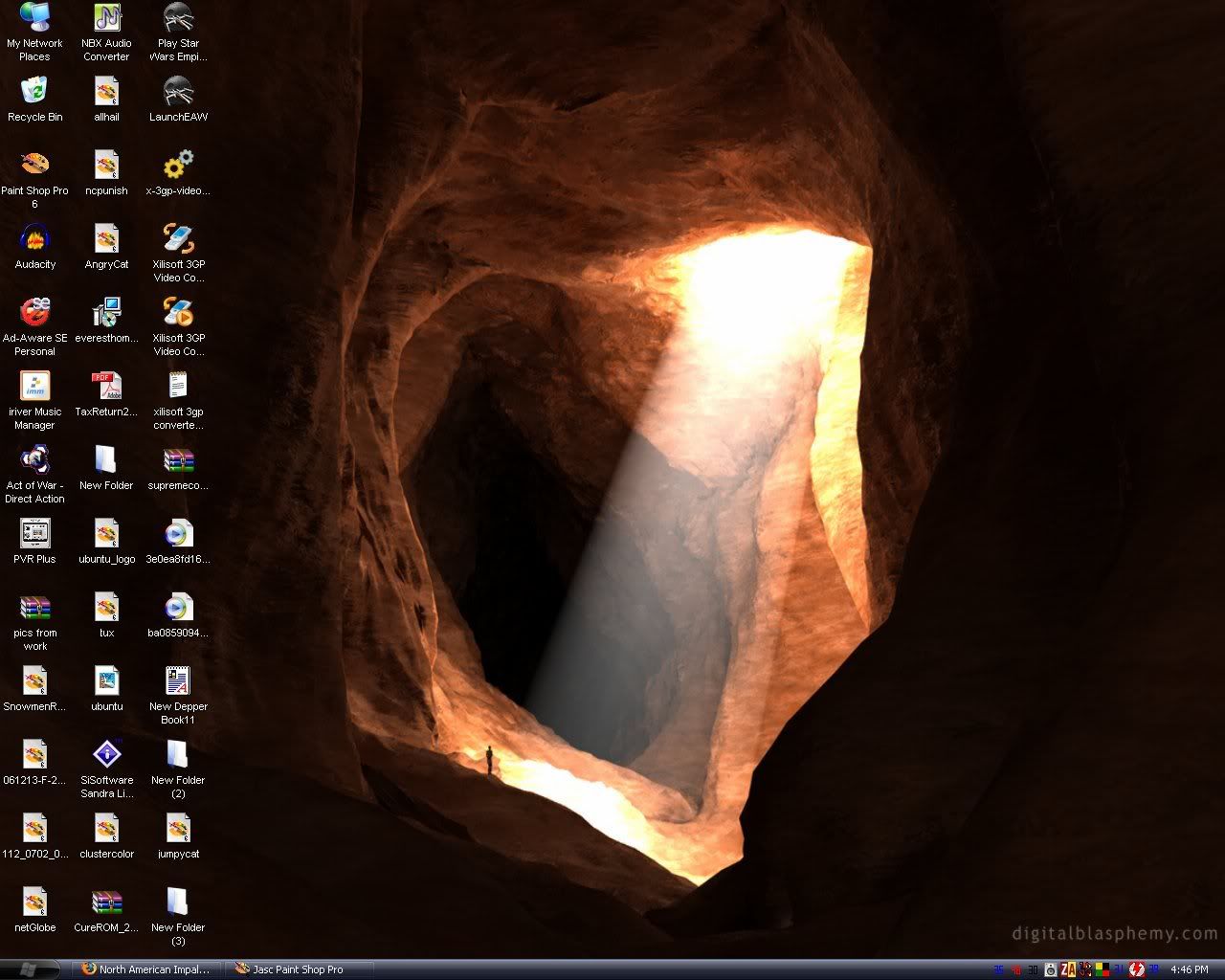
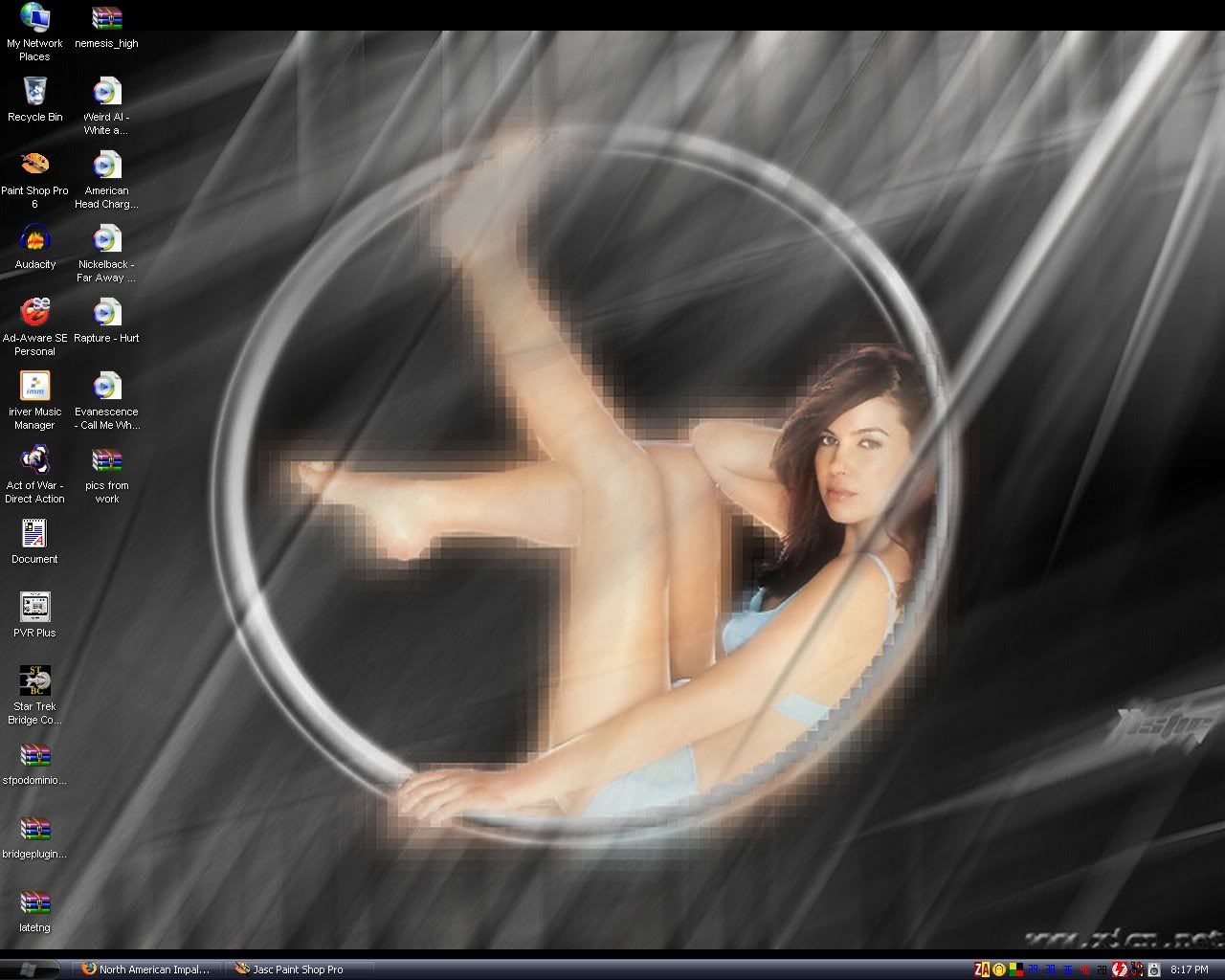
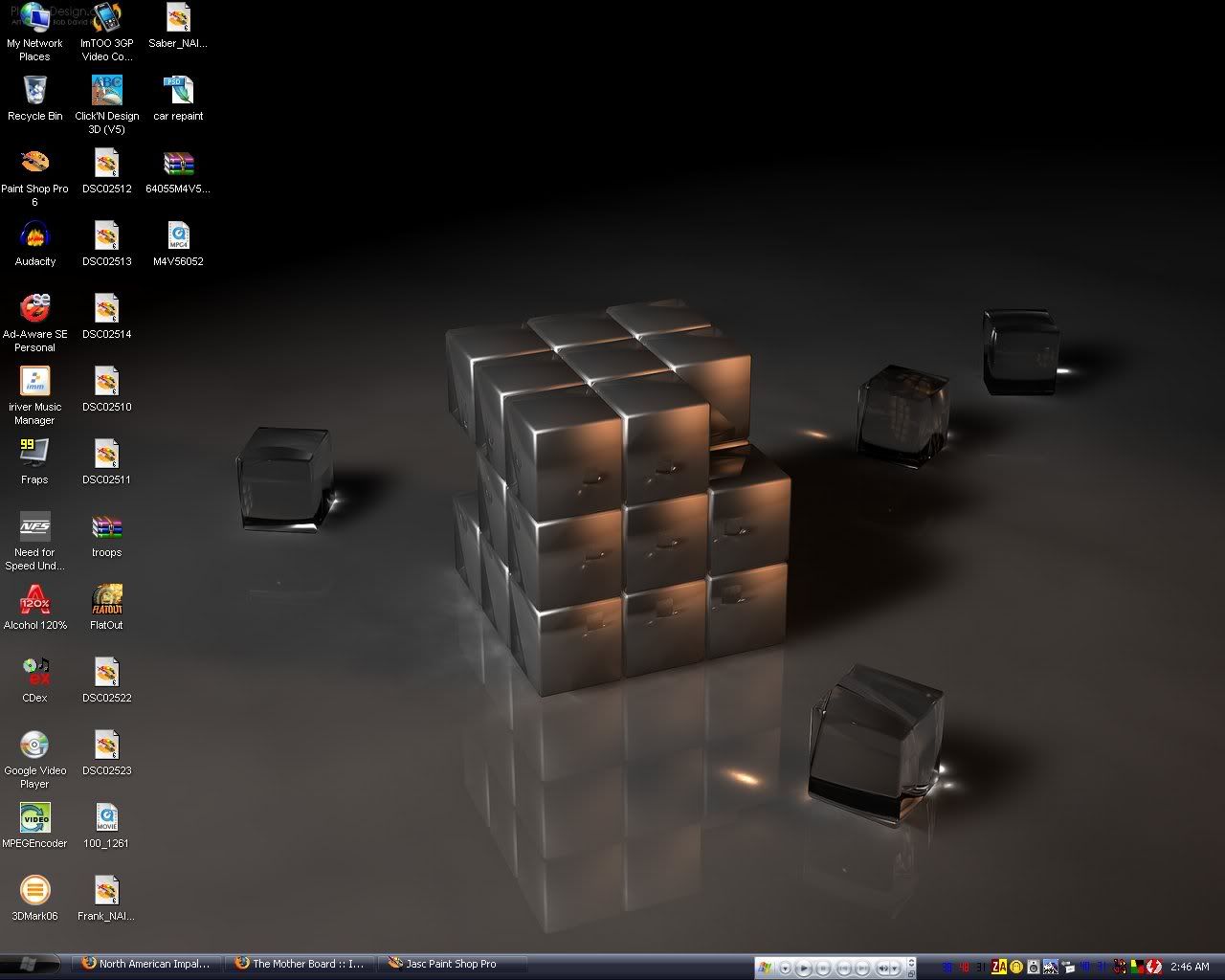
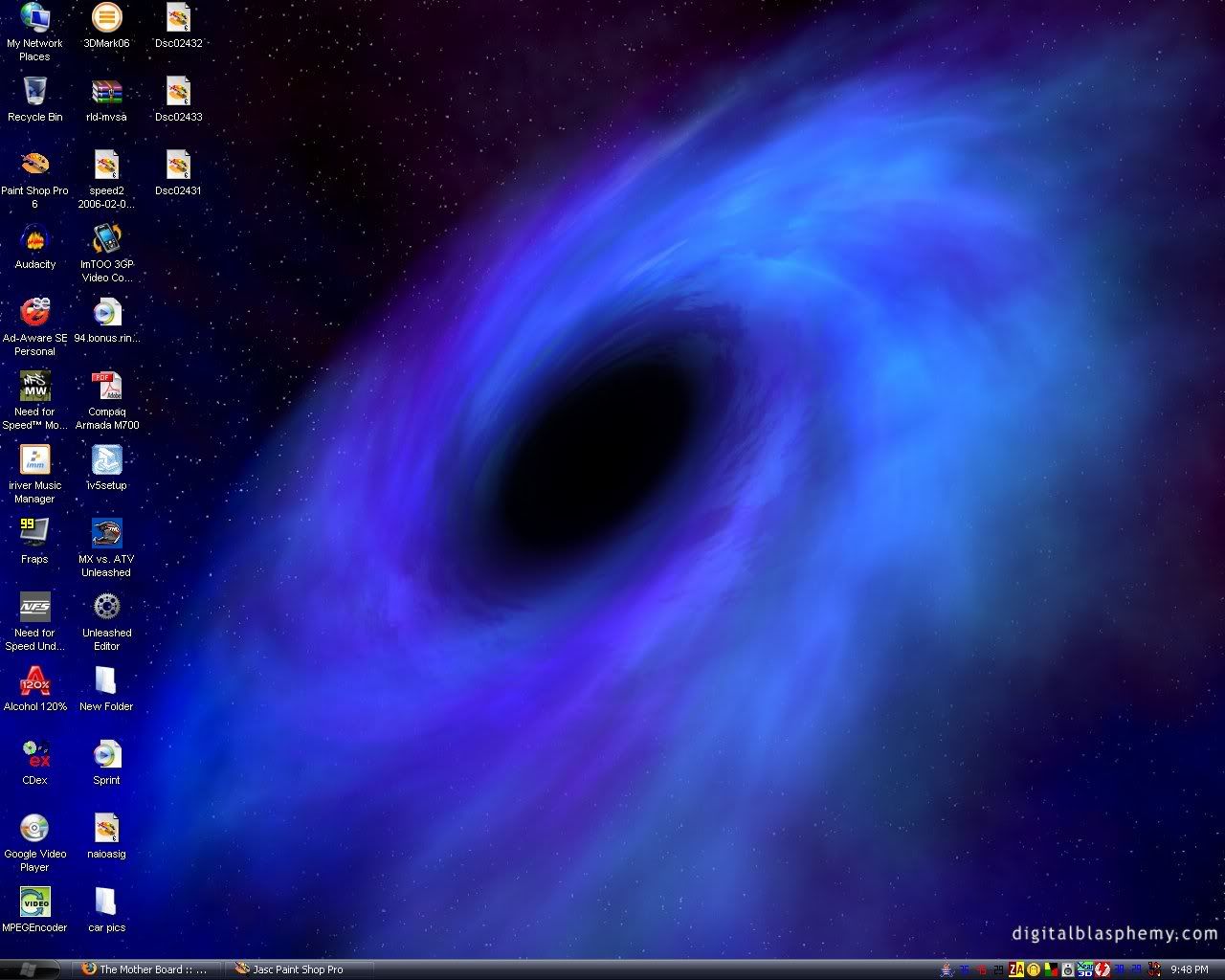
Post your desktop

SyntheticShield

New member
I cant recall if this has been done here before, if so, well just bite me and do it again, LOL.

Keep it in extremely good taste very much on the rated G side, but lets see those desktops.

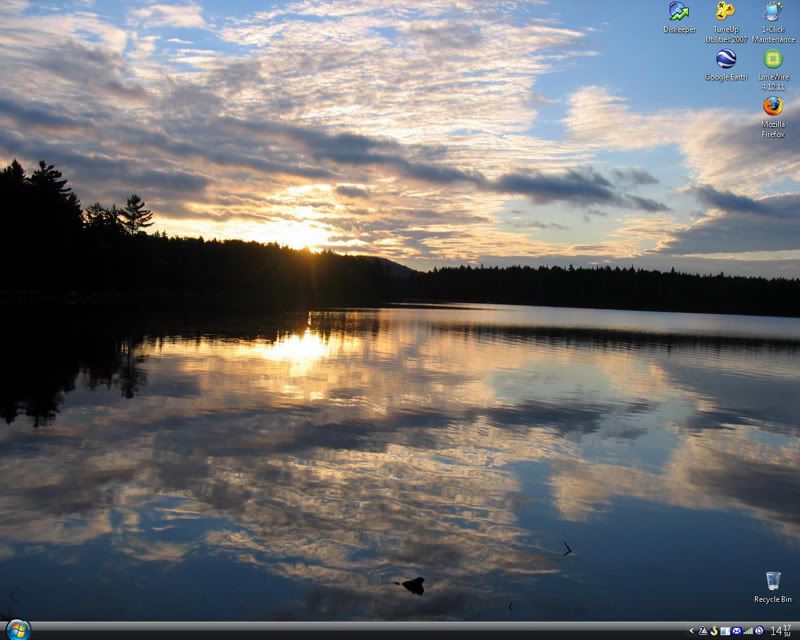
Screenshot-Desktop.png


I got mine online somewhere. I can't remember now.
 

Attachments

  • Desert_Beauty.jpg
    Desert_Beauty.jpg
    101.3 KB · Views: 57
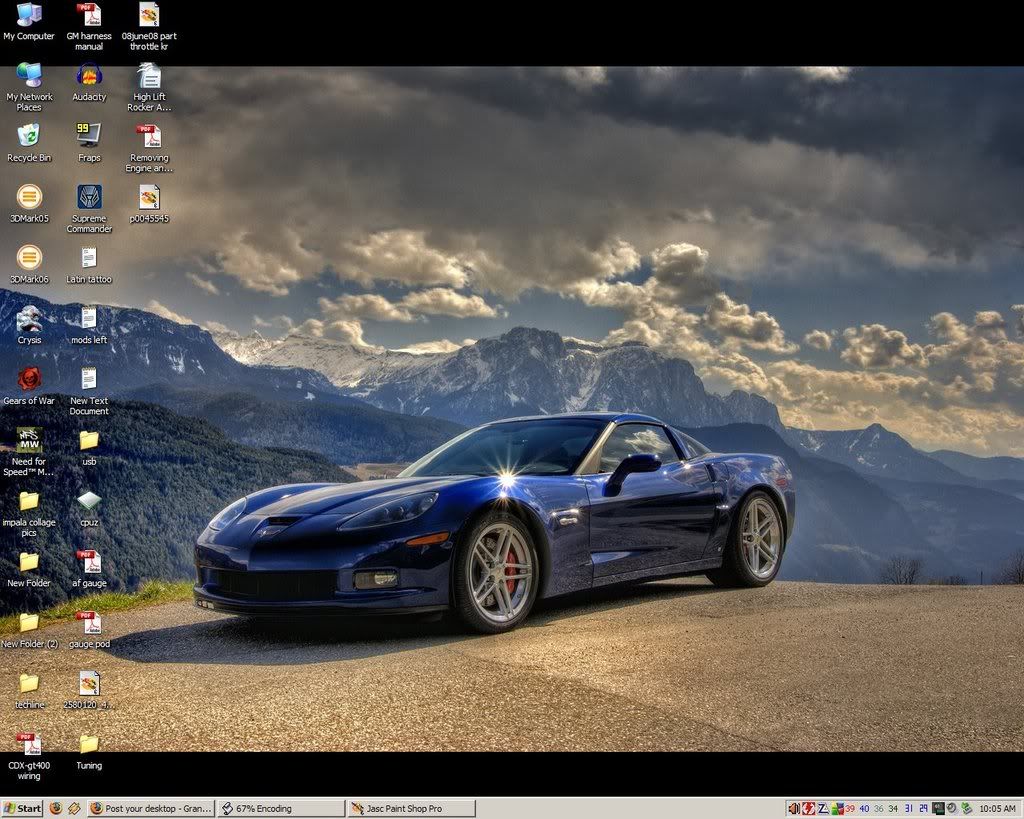
I usually use my car as my desktop... seriously. Just that these threads never come up at those times... :th_biggrin2:

Current:

desktop06-11-08.jpg


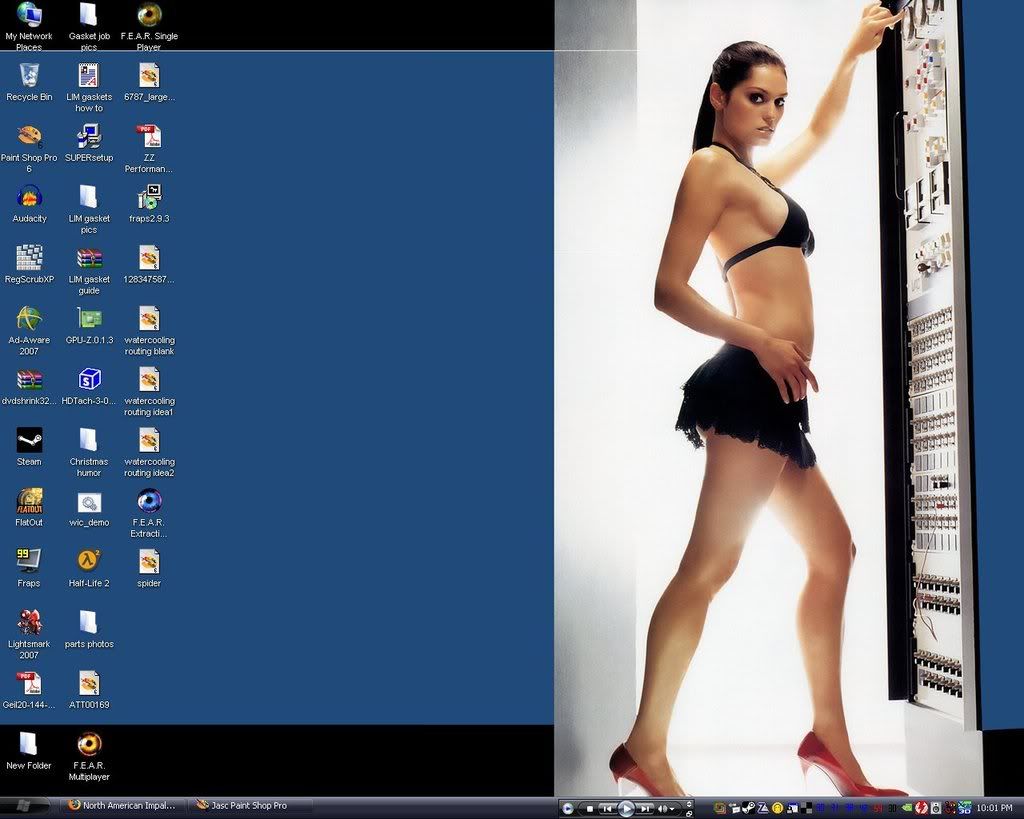
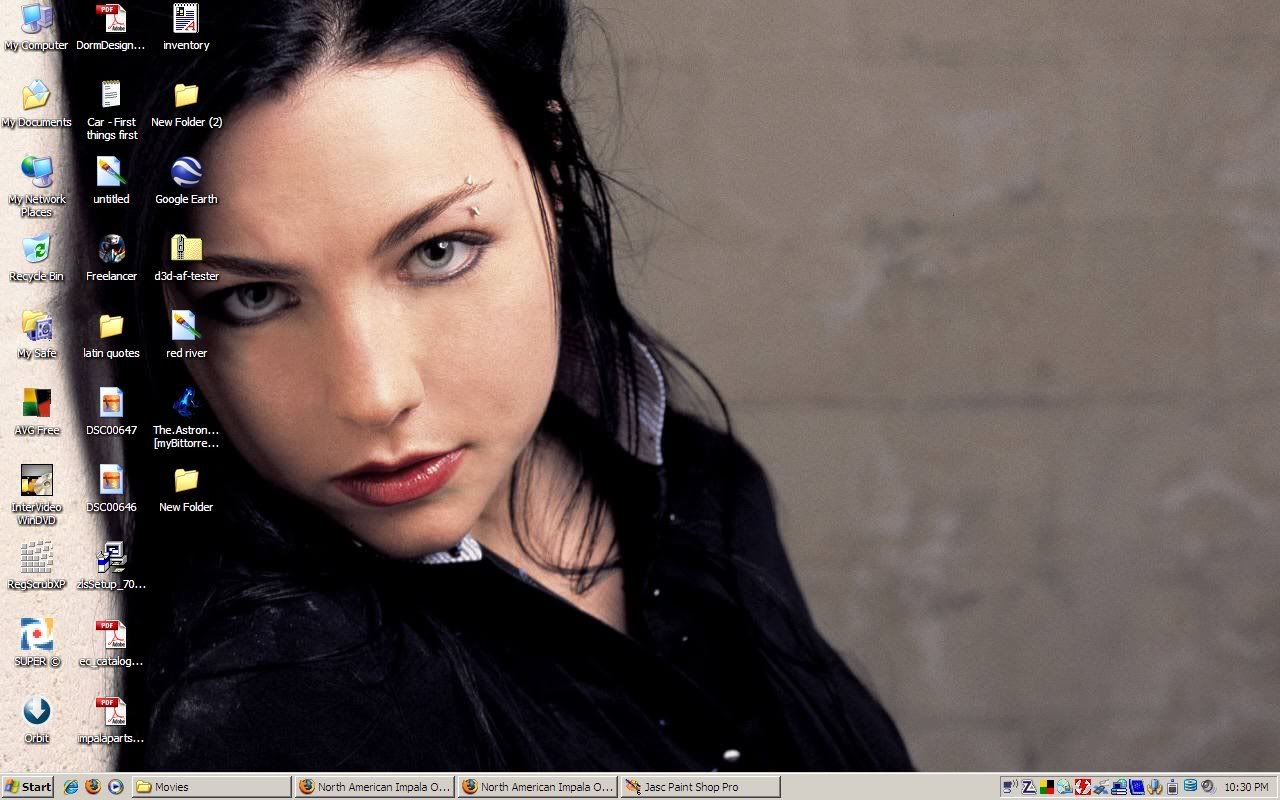
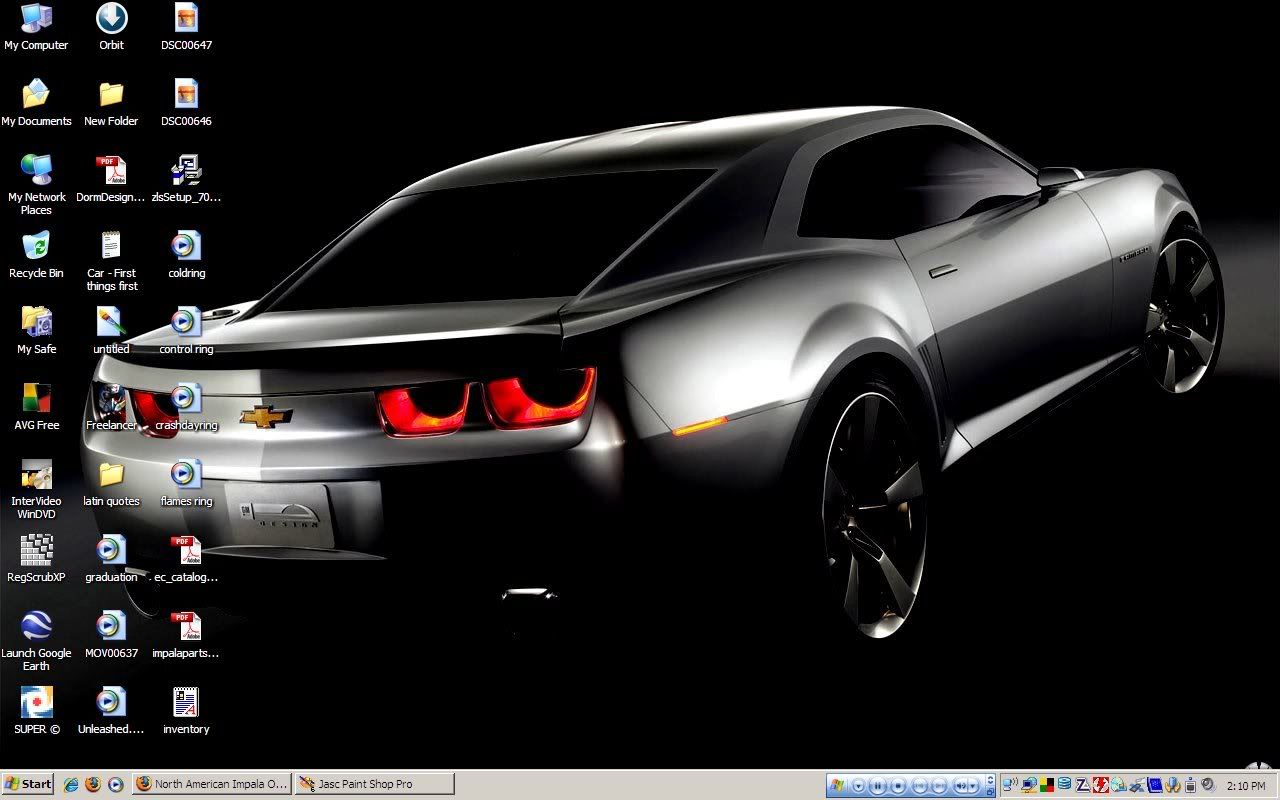
And past desktops... (shows how often these threads come up, I usually take a new pic every time)

desktop12242007.jpg


(laptop)
desktop101607.jpg


laptopdesktop100407.jpg


desktop02232007.jpg


desktop010507.jpg


desktop050406.jpg


desktop022506.jpg
 
Ok idiot question of the morning. How do you capture your full desktop and still be able to post it within the upload requirements?

If I use PB its gonna shrink the heck out of it :(


Ok idiot question of the morning. How do you capture your full desktop and still be able to post it within the upload requirements?

If I use PB its gonna shrink the heck out of it :(

Just set your photobucket account to 1MB max file size. Most of the time I have mine all resize to a max of 1024x768 for easy viewing on forums.
 
Ok I went ahead and upgraded my PB account too :) Figured for $25 a year its worth the extra space and move video capabilities.
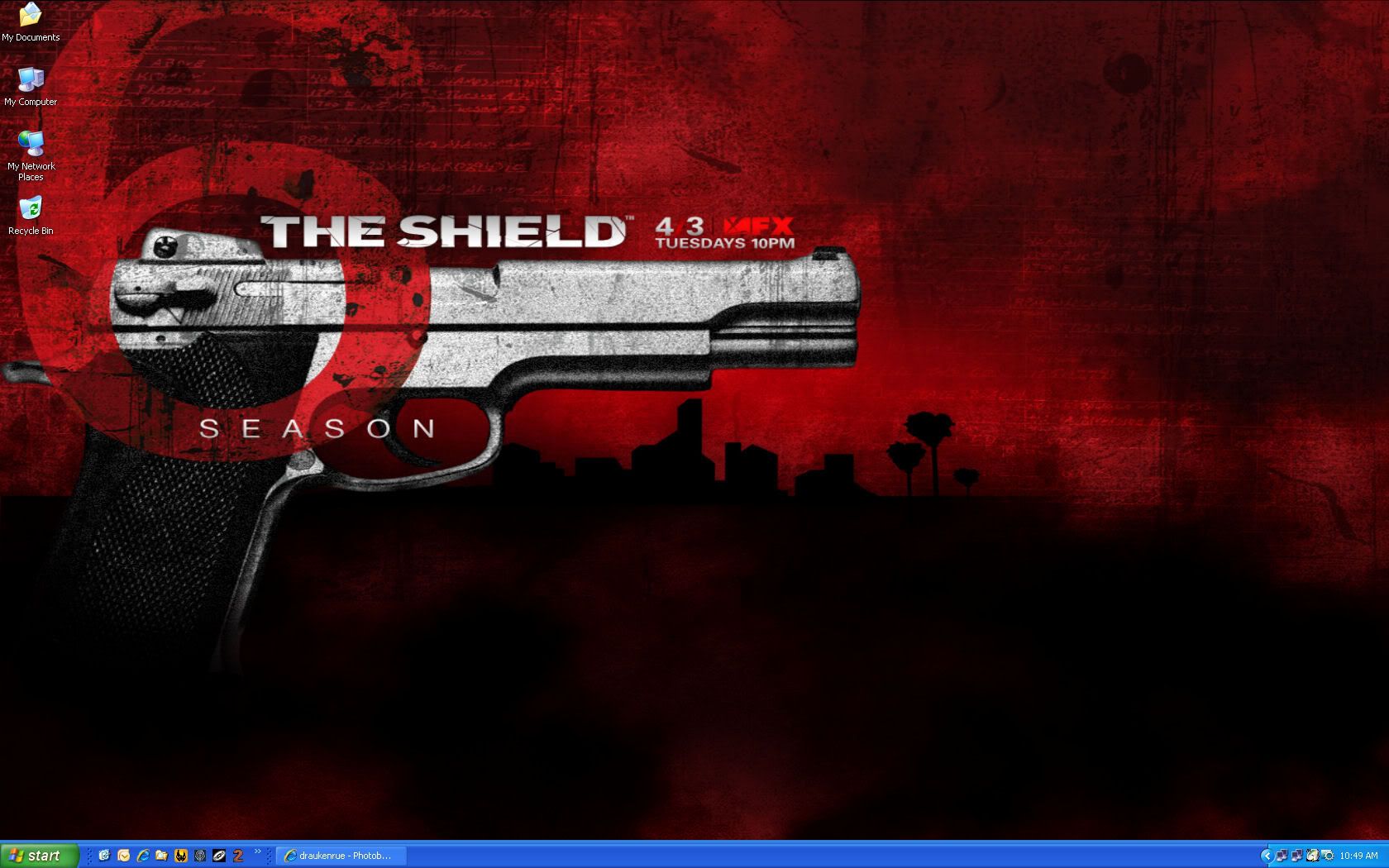
Here is my current desktop.


Image1.jpg
 
hmmm how do you guys keep your desktop so clean?? i can usually hardly see the background image for all of the icons on it!!!! :D
 
hmmm how do you guys keep your desktop so clean?? i can usually hardly see the background image for all of the icons on it!!!! :D

Its called o-r-g-a-n-i-z-a-t-i-o-n, a really cool invention that allows you to do such things as keep your desktop nice and cleaned up :D


It's called a Start Bar,...
Why do people have to have icons on there desktop?
If it's to save moving the mouse 6" and a button click then there's no hope!

desktopsi4.jpg


Desktop, and inside screen on my phone


I have tried doing that, but could never get use to the up movement to the task bar. I am I have been trained for far to long on using it from the bottom. At work I use this nifty program called Vern from Two Guys Coding (I think that's their name) but its like a mini task bar that allows you to load TONS of desktop applications to your system without cluttering up your screen all at once. You just click on a square you have you a different program or programs in each space.

And working at Thomson Reuters in their Data Collections department aka Tickers, we monitor all the Asian and European stock markets and we have to monitor literally hundreds of servers and Vern makes the work a breeze :)

I almost dare ask if that is your other half on your phone there Katt. Either, still nice eye candy no doubt!
 
Yes, that's Lisa (Phone & Desktop)
I love her to death!
And, that's from last year, we took the kids to the boss' trailer on the lake up in Wis.
I dare say, when I'm not trying... I can take a mean picture :)
 
Geddy, I liked so much the multiple desktops in Linux that I had to find a way to do so in Windows. I have to pull up about 25 - 30 applications at work for network repair work I do and it is a MESS!! on one desktop. So I was told about VirtuaWin and it works like a champ. I can now organize my applications according to what specific tasks they do and switch desktops as needed to use any application at any time without them being all piled on one desktop.

Its an awesome little application and I'll never work on another windows set up without it.
 
Back
Top