
Since Torque Pro doesnt have a KR monitor, I thought I'd post up a How-to, to get it so you can monitor KR.
First you need the paid version of Torque Pro. It's $4.99 in the app market, which isnt bad at all.
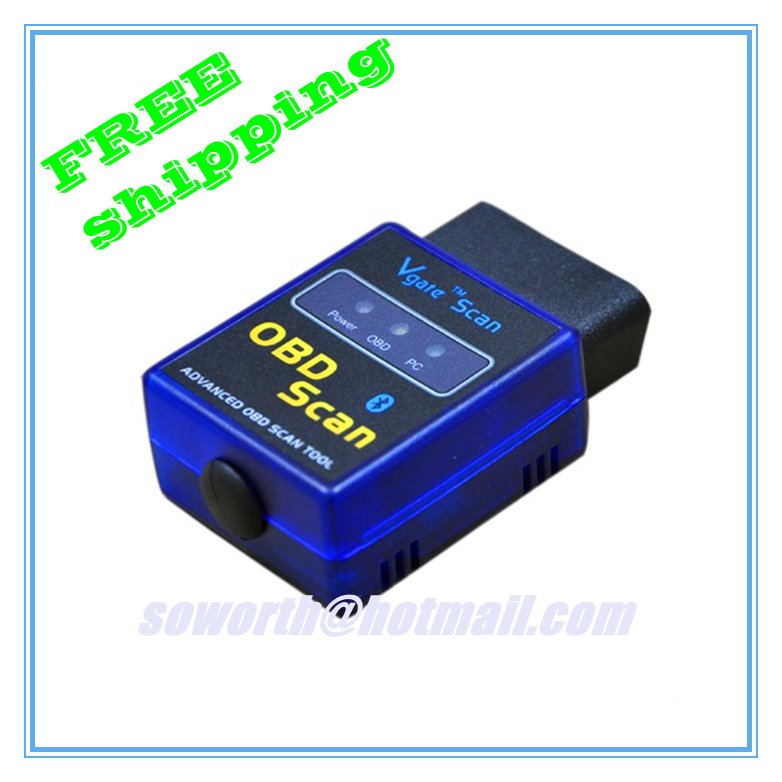
Next you'll need a bluetooth OBD2 adaptor. These can be had on ebay for around $15, and they're shipped from china, so it'll take about 1-2 weeks to get to your door. They look mostly like this...
Once you have these things, download the Torque Scan add-on through torque pro. I have an HTC Inspire 4g, your phone may be different, but the steps should be the same.
To download torque scan, open the app and click the menu button on your phone. Then press "settings" on the pop-up menu. It'll bring up a list of options, the option you want here is "plugins". Then select "installed plugins". This will tell you what you have installed into the app. At the bottom you should see "get more plugins". Click that and it'll redirect you to the plugin web page. You should see "torque scan" on that web page. If you dont see it there, dont worry. You can download that extension via the "google play" store.
Once that's installed, you should see "torque scan" in your list of installed plugins. Go back into the settings menu and scroll to the bottom. Click "manage extra PIDs/sensors". Now use the phones "menu" button and select "add predefined set" and click "Pontiac / GM / Opel / Vauhall". This will add all the parameters for GM's sensor data at once.
Now go to Torque Pro's main screen and access the realtime data page. Press and hold on an empty spot, "add display" > digital display > knock retard
Congratulations. You can now monitor your KR in realtime!
The app also can count individual knocks and keep track of how many times the PCM has recorded a knock.
I will update with pics if there are any questions.
First you need the paid version of Torque Pro. It's $4.99 in the app market, which isnt bad at all.
Next you'll need a bluetooth OBD2 adaptor. These can be had on ebay for around $15, and they're shipped from china, so it'll take about 1-2 weeks to get to your door. They look mostly like this...
Once you have these things, download the Torque Scan add-on through torque pro. I have an HTC Inspire 4g, your phone may be different, but the steps should be the same.
To download torque scan, open the app and click the menu button on your phone. Then press "settings" on the pop-up menu. It'll bring up a list of options, the option you want here is "plugins". Then select "installed plugins". This will tell you what you have installed into the app. At the bottom you should see "get more plugins". Click that and it'll redirect you to the plugin web page. You should see "torque scan" on that web page. If you dont see it there, dont worry. You can download that extension via the "google play" store.
Once that's installed, you should see "torque scan" in your list of installed plugins. Go back into the settings menu and scroll to the bottom. Click "manage extra PIDs/sensors". Now use the phones "menu" button and select "add predefined set" and click "Pontiac / GM / Opel / Vauhall". This will add all the parameters for GM's sensor data at once.
Now go to Torque Pro's main screen and access the realtime data page. Press and hold on an empty spot, "add display" > digital display > knock retard
Congratulations. You can now monitor your KR in realtime!
The app also can count individual knocks and keep track of how many times the PCM has recorded a knock.
I will update with pics if there are any questions.


